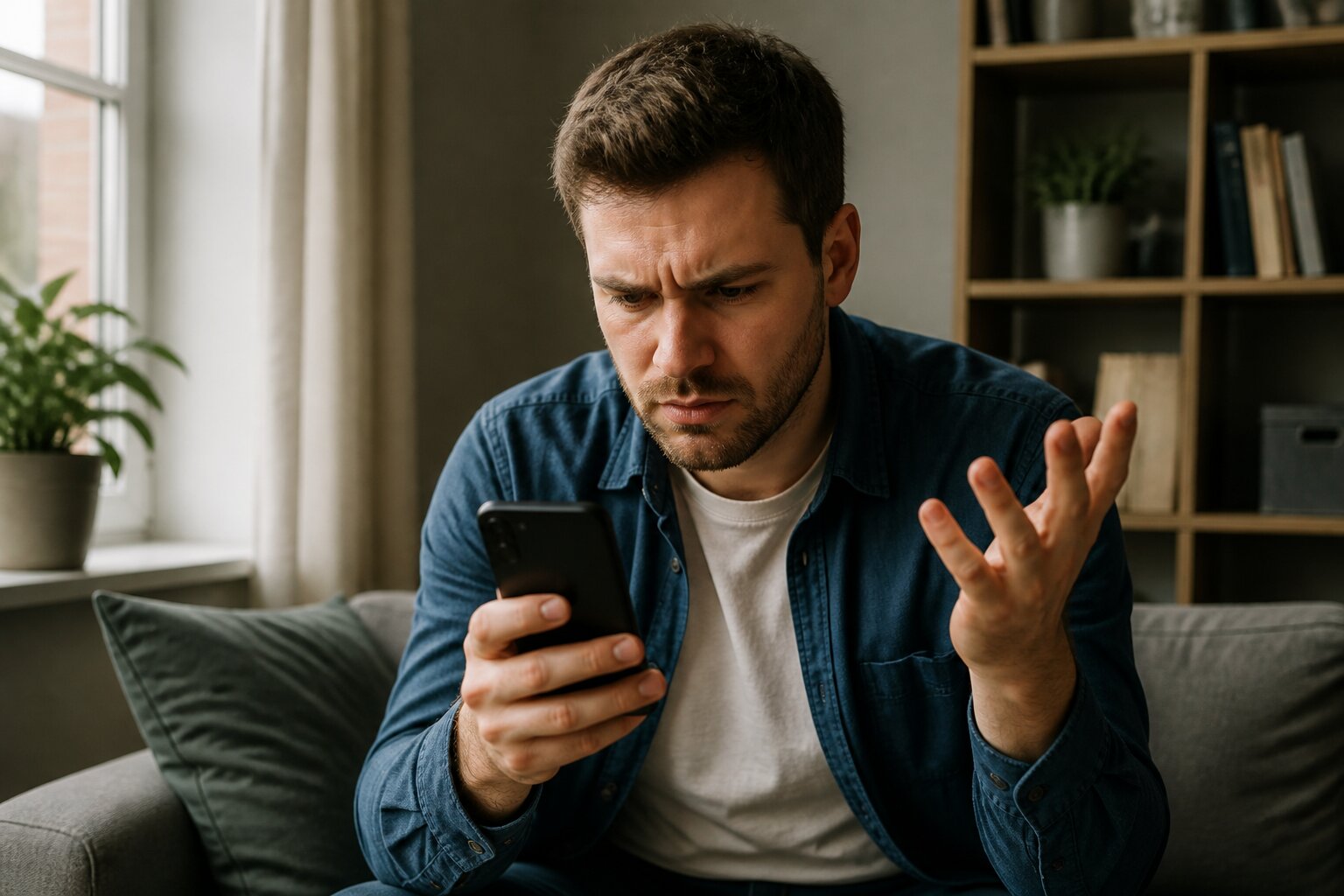
Nothing is more frustrating than getting ready to play the lottery and finding the app will not let you add funds or is suddenly unavailable. Problems range from freezes and error messages to complete refusal to process transactions, and they can spoil a straightforward experience.
There are clear reasons these issues occur, and in most cases there are practical steps to resolve them. This guide explains the likely causes, what they mean, and how to approach a fix so you can restore normal use quickly and securely.
Read on to learn what might be causing the problem and the best ways to address it.
Why Can’t I Add Funds to My Lottery App Account?
Several common issues can prevent deposits. One frequent cause is payment method verification. UKGC rules require all customers to use legal, verifiable payment methods in their own name to prevent fraud and protect players. If the name on the card or e-wallet does not match the account, or the method has not been verified, the operator will usually decline the transaction.
Incomplete account checks are another typical reason. Operators must confirm identity, age, and address before allowing deposits. If parts of this verification are outstanding, deposits will be blocked until those checks are completed.
Banks and payment providers also influence outcomes. Credit cards are banned for online gambling in the UK, so any attempt to deposit with a credit card will fail. Some banks also place gambling blocks on accounts or decline gambling-related transactions by default.
Finally, set spending limits may have been reached. Apps must offer deposit limits and cannot accept payments that exceed a user’s chosen cap until that limit is changed, subject to any regulatory cooling-off periods.
Make sure your payment details are entered correctly, verification checks are complete, and your chosen method complies with UK requirements. If everything looks correct, the next section explains other reasons the app itself might be unavailable.
Common Reasons for Lottery Apps Being Temporarily Unavailable
Temporary outages happen for several legitimate reasons. Scheduled maintenance is a routine cause: operators update software, apply security patches, or perform system checks that require brief downtime. These planned interruptions help keep services secure and compliant.
Unexpected technical problems also occur. Server overloads can happen at peak times, such as just before a popular draw, and unforeseen bugs may require immediate fixes. In such cases, engineers focus on restoring stable service as fast as possible.
Regulatory or security reviews may also lead to temporary suspensions. Operators must complete periodic audits to meet UKGC standards, which can lead to short interruptions while safeguards are verified.
These interruptions protect customers and the integrity of the service and are generally short. If an outage is suspected, the next section shows how to check whether it is affecting everyone or only your device.

Discover The Best Online Casinos
Browse our list of top-recommended casino sites, read reviews from real players & be the first to get access to the latest casino bonuses
Troubleshooting Steps for App Payment Issues
When deposit problems arise, a calm, measured approach helps preserve security and avoids triggering further blocks. Avoid repeatedly attempting the same failed transaction, as this can lead to temporary holds or additional security checks. Instead, follow a series of checks that typically identify the cause and provide a safe path to resolution.
Check Your Internet Connection & Device Settings
Begin with basic connectivity and device settings. A weak or intermittent internet connection can interrupt payment processing and lead to timeouts or incomplete authorisations. Confirm you have a stable connection, whether on Wi‑Fi or mobile data, and try switching networks to see if the issue persists.
Also verify app permissions for payment-related features and notifications are enabled so the app can complete transactions securely. Check that the device’s date and time are correct and that any security software or browser settings are not blocking the app. Small settings issues can sometimes prevent secure communications with payment servers.
Confirm Payment Method Status
Check that the payment method is active, registered in your name, and accepted by the operator. Ensure there are sufficient funds and that your bank has not applied restrictions, such as blocking gambling transactions or flagging the activity as unusual. Contact your bank if you suspect a block or restriction.
Verify the details you entered match your bank records exactly so automated checks do not flag the payment. Small typing errors in card numbers, expiry dates or the CVV code commonly cause declines. If you are using a digital wallet or third‑party payment provider, make sure your account there is verified and in good standing.
Clear App Cache or Reinstall the App
Cached data or a corrupted installation can cause odd behaviour and prevent payments from completing. Clearing the app cache may remove stale files that interfere with communication between the app and the payment gateway. After clearing the cache, restart the app and try the payment again.
If issues persist, deleting and reinstalling the app will install a fresh version, which often resolves more persistent glitches. Always install the official release from the recognised app store to maintain security and ensure you have the latest fixes. After reinstalling, sign in afresh and recheck your payment details.
After these steps, if the app still will not accept payments, the next section explains ways to tell whether the problem is affecting other users too. If necessary, contact the operator’s customer support with full details so they can investigate further.
Is the Lottery App Down for Everyone or Just Me?
Determining whether an issue is widespread helps decide the next move. If many users are affected, the cause is likely on the operator’s side. Check the operator’s official service updates or social channels for notices about outages or maintenance; these are the quickest way to confirm a known issue.
Independent monitoring websites can show real-time reports about app availability and flag spikes in user complaints. A sudden increase in reports usually indicates a general outage rather than an isolated device problem.
If there is no sign of a wider outage and other users report normal service, the problem is probably specific to your device, connection, or account. In that case, continue with the troubleshooting steps described earlier or contact support as outlined below, taking care not to make repeated login or payment attempts during suspected outages.
Official Payment Limits & Restrictions Explained
UK-licensed operators must follow strict limits and restrictions designed to keep gambling safer. Users can set deposit limits for daily, weekly, or monthly periods and cannot exceed these amounts without going through a cooling-off process. This prevents impulsive increases and ensures decisions receive due reflection.
Certain payment types are prohibited. Credit cards cannot be used for gambling transactions in the UK, and any third-party or unverifiable payment sources will be rejected to reduce fraud risk. Operators may also apply additional limits where appropriate for compliance or protection reasons.
These rules are safeguards rather than obstacles. Understanding them helps manage expectations about what payments will be accepted. If limits are blocking a deposit, support teams can explain the reason and the process needed to change them.
How to Contact Support for Ongoing Problems
When troubleshooting does not resolve the issue, contact the operator’s customer support using the verified contact details within the app or on the operator’s official site. Reputable operators offer several channels such as email, phone, or secure live chat.
Prepare concise information to help the support team: a short description of the problem, relevant error messages, and non-sensitive screenshots if they help illustrate the issue. Do not share passwords or full payment details. Use only the operator’s official channels to protect your privacy and security.
Support staff are trained to handle technical, payment, and account issues in line with regulatory expectations, so following their guidance is the fastest route to resolution. If the operator cannot resolve the problem within a reasonable timeframe, the next section explains formal escalation options.
What to Do If Your Account Remains Locked or Restricted?
Persistent locks or restrictions are usually the result of regulatory checks, security processes, or a user’s own safety choices. Operators may request further identity or security documents; these should be submitted only via official channels and in accordance with the operator’s instructions.
Attempting to bypass restrictions by creating new accounts or using alternate payment methods is not advised and may lead to permanent exclusion. If a matter remains unresolved, there are formal escalation routes: independent Alternative Dispute Resolution (ADR) schemes and regulator guidance are available for disputes that the operator cannot settle fairly and promptly.
If additional help is needed, impartial resources and regulatory contacts can provide next steps and support.